
Shopware 6 Toolbox
Shopware 6 Toolbox is a productivity plugin for JetBrains IDEs (e.g., PHPStorm) that enhances the Shopware 6 development experience. It provides live templates and scaffolding for common Shopware tasks.
Shopware Toolbox is not a standalone application. It runs inside PHPStorm (and other JetBrains IDEs) and provides Shopware-specific development helpers.
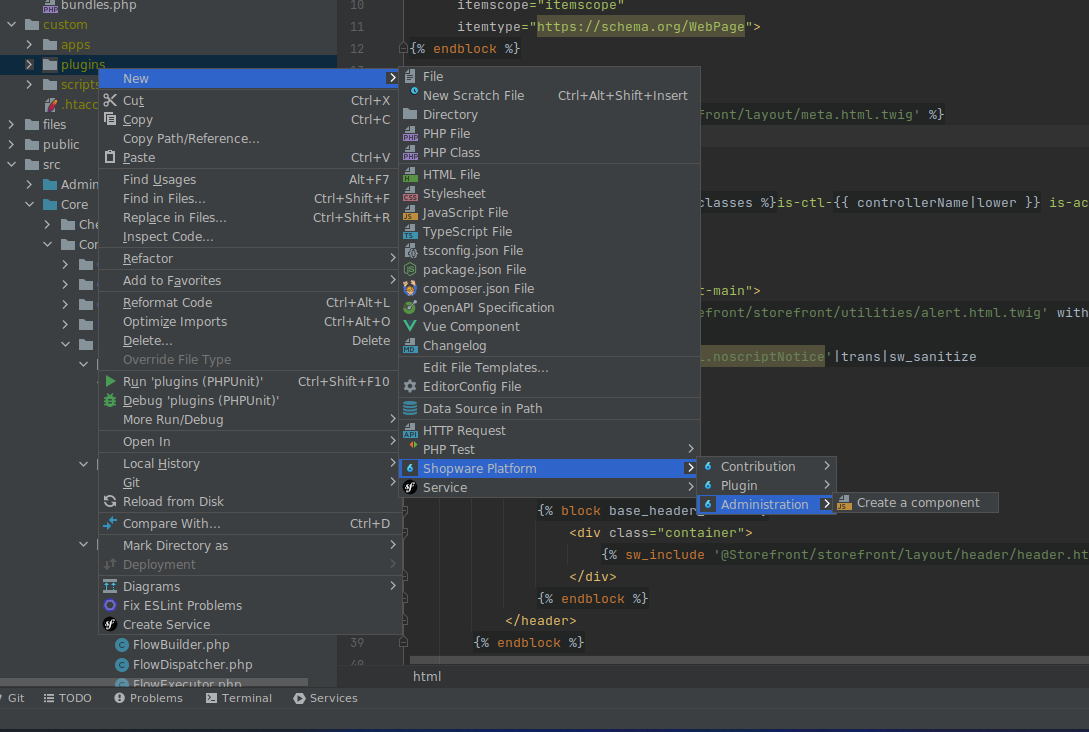
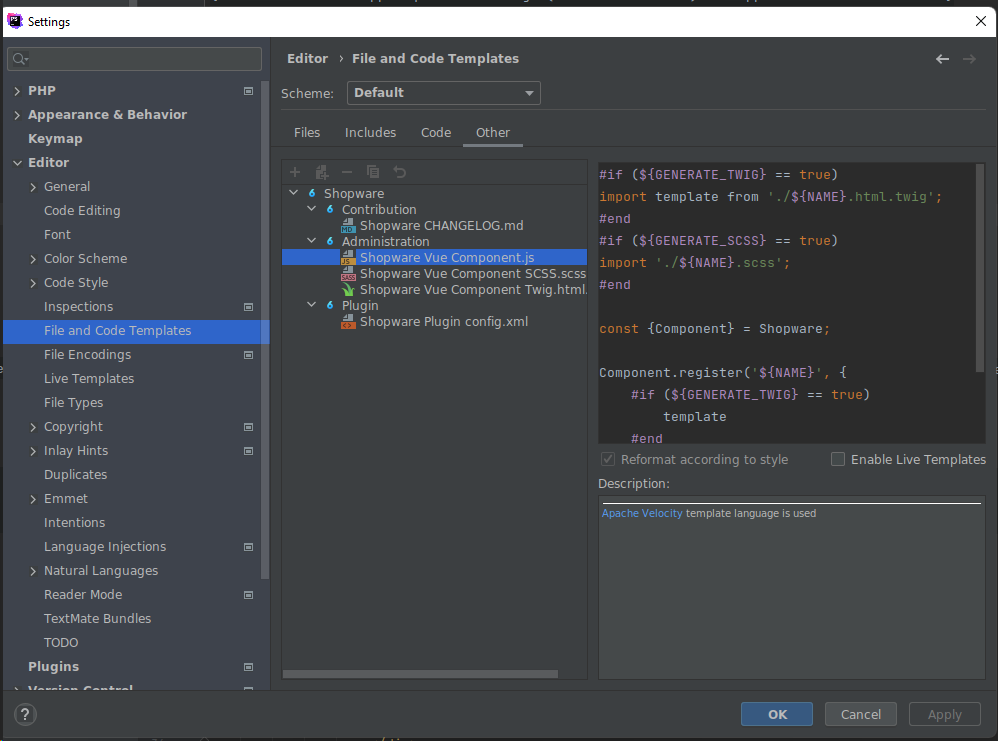
Current features
Live templates
Multiple live templates for development. Use Cmd/Ctrl + J to view all live templates.
Code generators
- Vue.js Admin component
- config.xml
- Extend Storefront blocks with automatic file creation
- Vue module
- Scheduled task
- Changelog
Static code checks
Inspection to show an error when an abstract class is used incorrectly in the constructor (guideline check).
Twig block versioning
When you override a Twig block with sw_extends, the override can silently become outdated. A Shopware update may change the upstream block, for example with an accessibility fix, and nothing tells you that your copy no longer matches. Twig block versioning records which version of the upstream block your override is based on and warns you when the upstream block changes.
The plugin stores this information in a comment above the block:
{# shopware-block: c1954b12f0c4...@v6.6.6.0 #}
{% block base_body_skip_to_content %}
    ...
{% endblock %}
The comment contains a SHA-256 hash of the upstream block content and the installed version of the composer package that provides the template. This works for Shopware core templates and for third-party extensions in vendor or custom/plugins.
Inspections
| Inspection | Enabled by default | Reported when |
|---|---|---|
| The upstream block has changed | Yes | The recorded hash no longer matches the upstream block. Check that your override is still correct. |
| The upstream block has been removed | Yes | The block no longer exists upstream. Check that your override is still needed. |
| Twig block is deprecated | Yes | The upstream block is marked as deprecated and will be removed in a future version. |
| Shopware versioning block comment is missing | No | A block override has no versioning comment yet. |
Intentions
Place the cursor on a block and press Alt+Enter (macOS: Option+Enter):
- Add/Update the Shopware 6 versioning comment writes or refreshes the
shopware-blockcomment for the block. - Show Twig block difference opens a diff between your override and the current upstream block, so you can review what changed after an update.
Add versioning comments to a whole project
Enable the inspection Shopware versioning block comment is missing in Settings → Editor → Inspections, then run Code → Inspect Code. Apply its quick fix to add versioning comments to all template files at once.
For more background, read the Twig block versioning announcement.
Auto-completion
- Admin components
- Snippets in Administration and Storefront
- Storefront functions
theme_config,config,seoUrl,sw_include, andsw_extends - Repository at
this.repositoryFactory.create - Module.register labels
- Context-aware admin component auto-completion (only when Twig file is next to an
index.js) - Feature flags
Installation
Follow these steps:
- Open PHPStorm
- Go to Settings → Plugins
- Search for “Shopware 6 Toolbox”
- Install and restart the IDE
